<!DOCTYPE html>
<html>
<head>
<style>
.button {
background-color: #000000;
border: none;
color: white;
padding: 14px;
text-align: center;
text-decoration: none;
display: inline-block;
font-size: 16px;
margin: 4px 2px;
border-radius: 10px;
transition: background-color 0.3s, color 0.3s;
}
.button:hover {
background-color: #f86c6c;
color: black;
}
.container {
display: flex;
flex-direction: column;
align-items: center;
padding: 40px 0 80px 0;
}
.heading-text {
color: #000000;
font-weight: 300;
}
.LandingBlock-TextMedia-media2NFhDb7Wi36K {
border-radius: 4px;
box-shadow: 2px 2px 5px rgba(0, 0, 0, 0.3);
}
@media (max-width: 600px) {
img {
height: auto;
width: 100%;
}
}
</style>
</head>
<body>
<div class="container">
<h1 style="font-size: 48px; max-width: 600px; text-align: center; font-weight: 300; font-family: system-ui, Helvetica, sans-serif; color: #000000; margin-top: 10px;">
Build for Clarity, Connectivity, and Collaboration
</h1>
<p style="max-width: 500px; text-align: center">
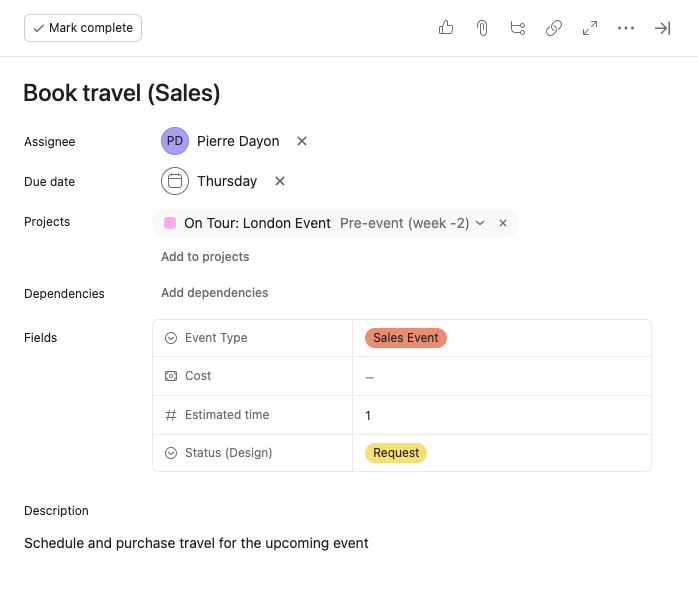
Integrate tools, automate actions, and customize your workflows with Asana’s developer platform.
</p>
<button class="button" onclick="window.location.href='https://developers.asana.com/docs/overview';">
Get started
</button>
</div>
</body>
</html>


<!DOCTYPE html>
<html>
<head>
<style>
.main {
background-color: #1e1f21;
padding-top: 50px;
padding-bottom: 50px;
padding-left: 25px;
padding-right: 25px;
margin-top: 60px;
margin-bottom: 40px;
border-radius: 18px;
}
.columns {
width: 100%;
display: flex;
flex-wrap: wrap;
}
.columns > * {
width: calc(100% / 3);
box-sizing: border-box;
padding: 0 10px;
}
.feature {
display: flex;
flex-direction: column;
align-items: center;
text-align: center;
padding-left: 14px;
padding-right: 14px;
padding-bottom: 28px;
}
.feature-text {
color: #ffffff;
}
#automate {
font-weight: 300;
}
#embed {
font-weight: 300;
}
#integrate {
font-weight: 300;
}
.styled-link {
color: #ffffff;
text-decoration: underline;
}
@media (max-width: 768px) {
.columns > * {
width: 100%;
}
}
</style>
</head>
<body>
<div class="main">
<h1
style="
text-align: center;
color: #ffffff;
font-size: 40px;
padding-bottom: 40px;
font-weight: 300;
font-family: system-ui, Helvetica, sans-serif;
"
>
Features
</h1>
<div class="columns">
<div class="feature">
<img src="https://assets.asana.biz/transform/1e35f559-237d-4fb6-ab36-5e955f0a6cd7/landingpage2" height="200px" />
<h2 style="color: #ffffff" id="automate">Automate</h2>
<p class="feature-text">
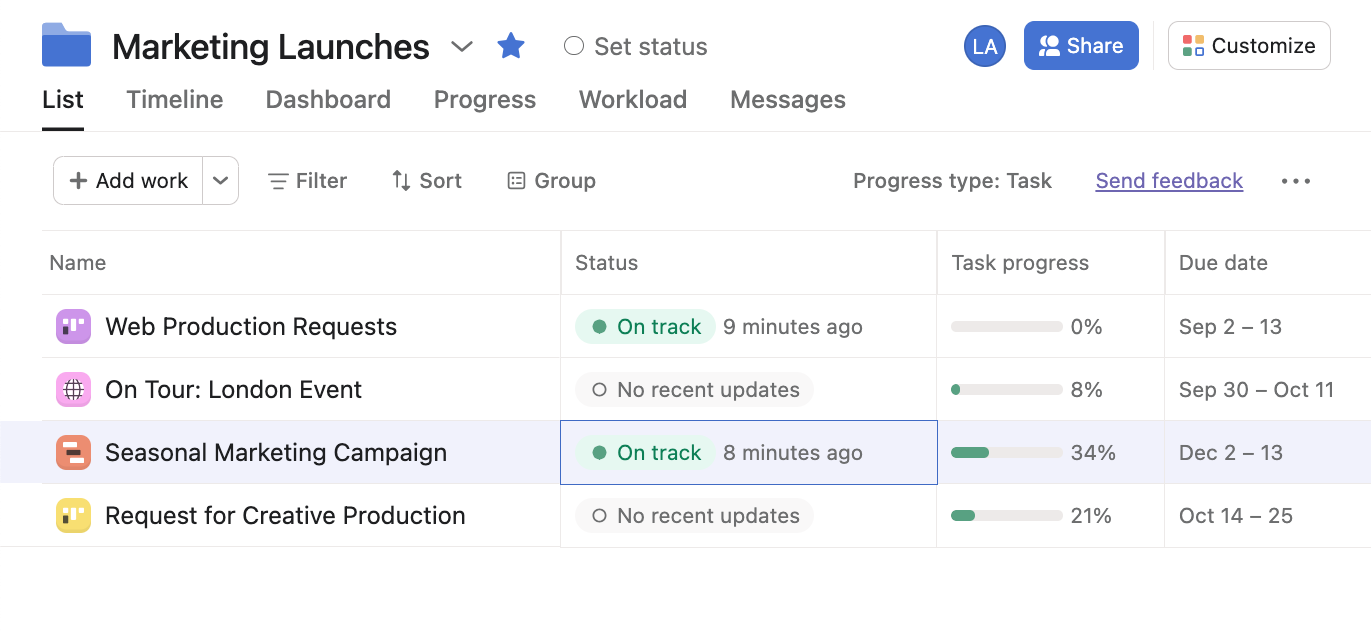
Automate tedious work in powerful, bespoke ways with our platform
features like rule actions, webhooks, and our API. Learn about how
you can
<a href="/docs/common-use-cases#automate-workflows" class="styled-link">
automate workflows
</a>
.
</p>
</div>
<div class="feature">
<img src="https://assets.asana.biz/transform/a564d03f-ef85-43c4-a272-a48ba5e39b5e/landingpage3" height="200px" />
<h2 style="color: #ffffff" id="embed">Embed</h2>
<p class="feature-text">
Plug your app directly into the Asana UI with
<a href="/docs/app-components" class="styled-link">app components</a>. Build app
components on the surface of tasks or rules so that customers can
use their favorite tools and stay in flow.

</p>
</div>
<div class="feature">
<img src="https://assets.asana.biz/transform/b76429bd-2d0a-4f01-9ae5-35951eb3271d/landingpage4" height="200px" />
<h2 style="color: #ffffff" id="integrate">Integrate</h2>
<p class="feature-text">
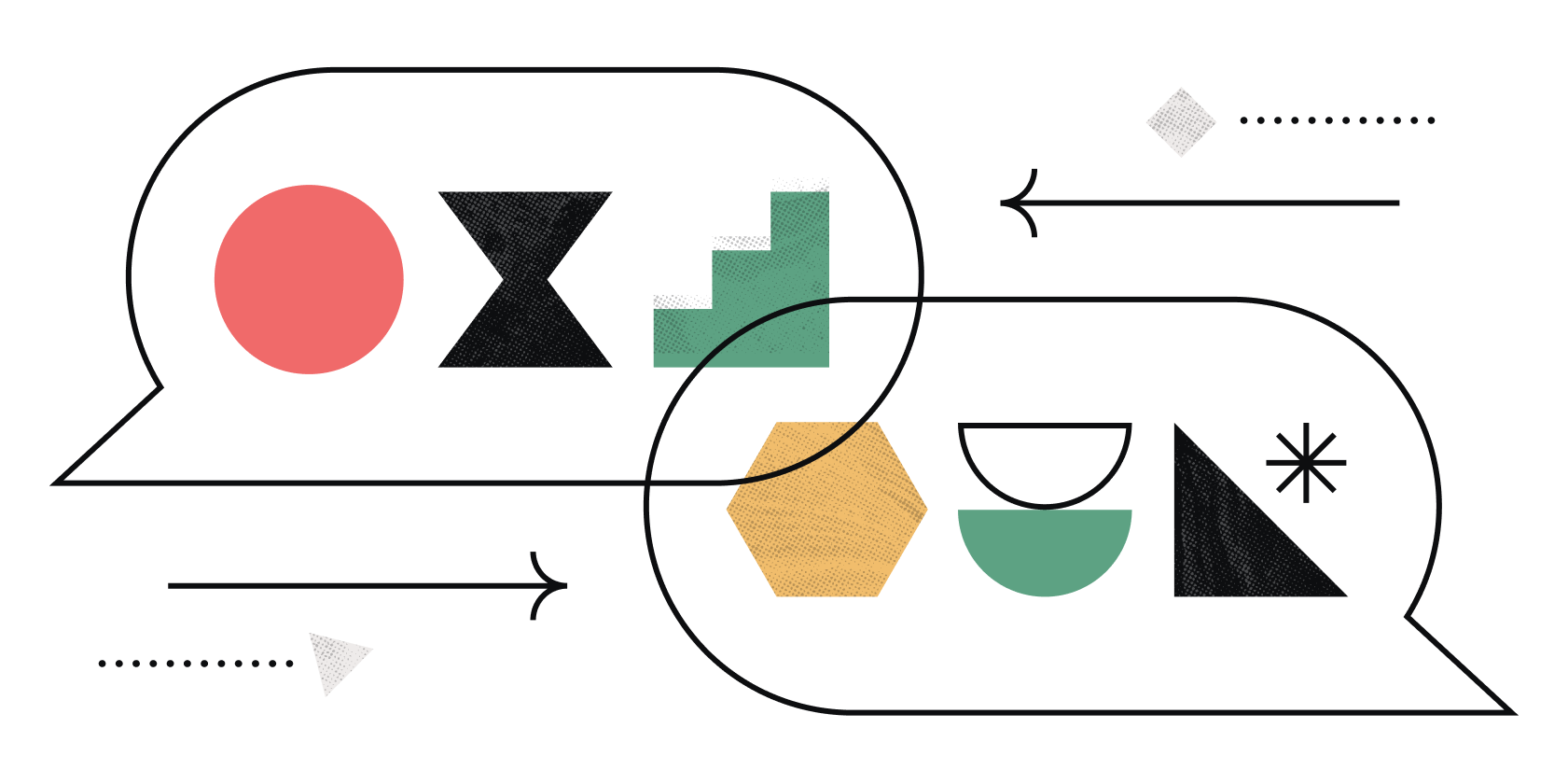
Many apps in our App Directory create Asana tasks and kick start
workflow from other tools. Learn about building and publishing apps
that
<a href="/docs/common-use-cases#keep-two-work-tools-connected" class="styled-link">
keep work tools connected
</a>
.
</p>
</div>
</div>
</div>
</body>
</html>
<!DOCTYPE html>
<html>
<head>
<style>
.LandingBlock3PM-HyBxby3X.LandingBlock-TextMedia2eohAoAZBn4h {
padding-bottom: 50px;
}
</style>
</head>
<body>
<div>
<p
style="
font-size: 40px;
text-align: center;
font-weight: 300;
color: #000000;
"
>
Stay in touch
</p>
</div>
</body>
</html>

Follow our developer forum
Ask questions, get updates about our Platform, and connect with other developers in the Asana community on our developer forum.
Visit our Help Center
Can't find what you're looking for in the forum or documentation? Our Developer Support Team is here to help — reach out to us through the Asana Help Center!